













Create invoices from tracked time for free
Timen lets your team create client invoices from tracked time, build invoices directly from reports, manage statuses, and keep invoiced time entries marked so the same work does not get billed twice.
Time tracking invoicing
Create and manage invoices clearly
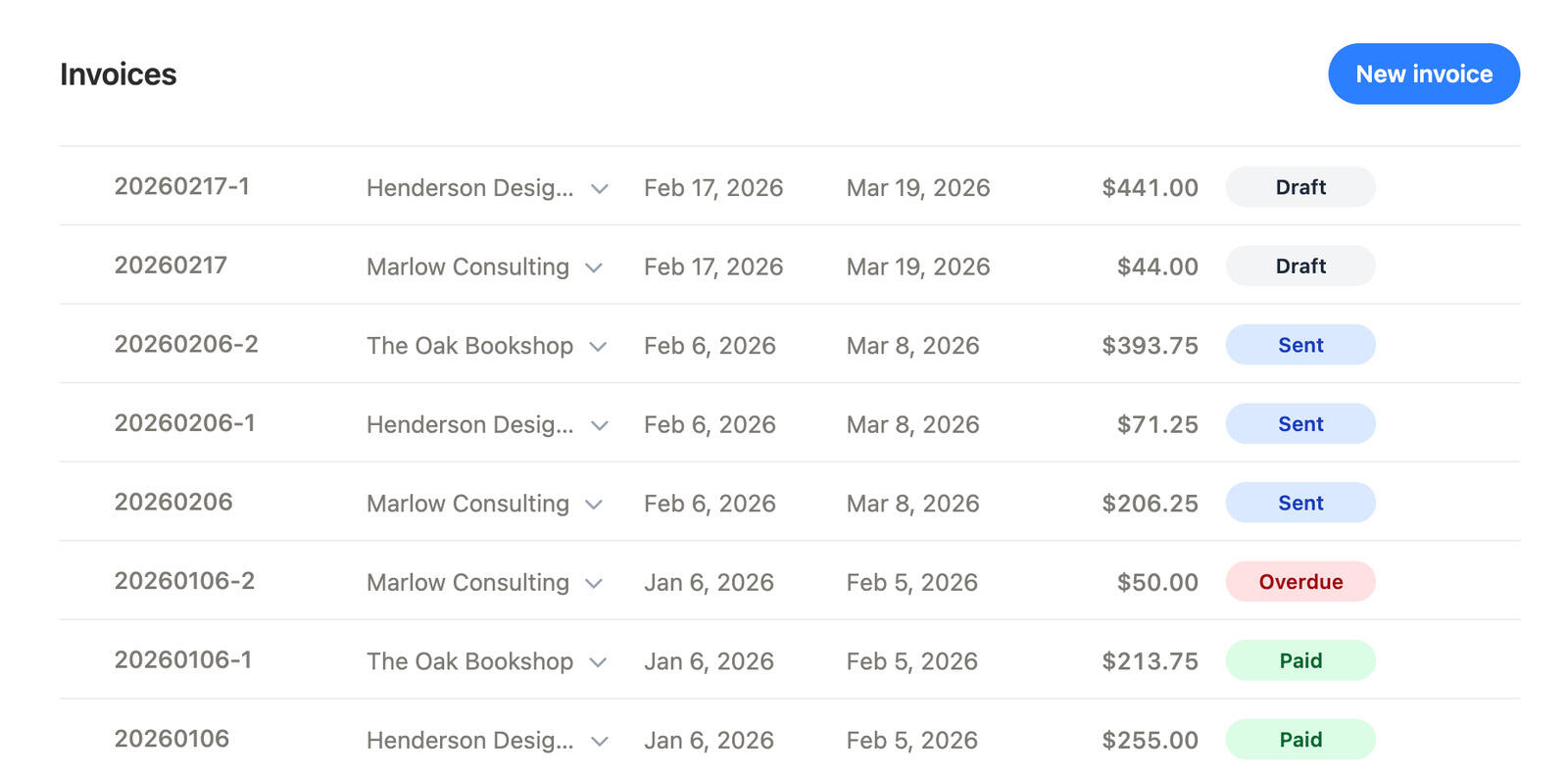
Timen gives teams a clear place to create client invoices from tracked time and manage them after they are sent.
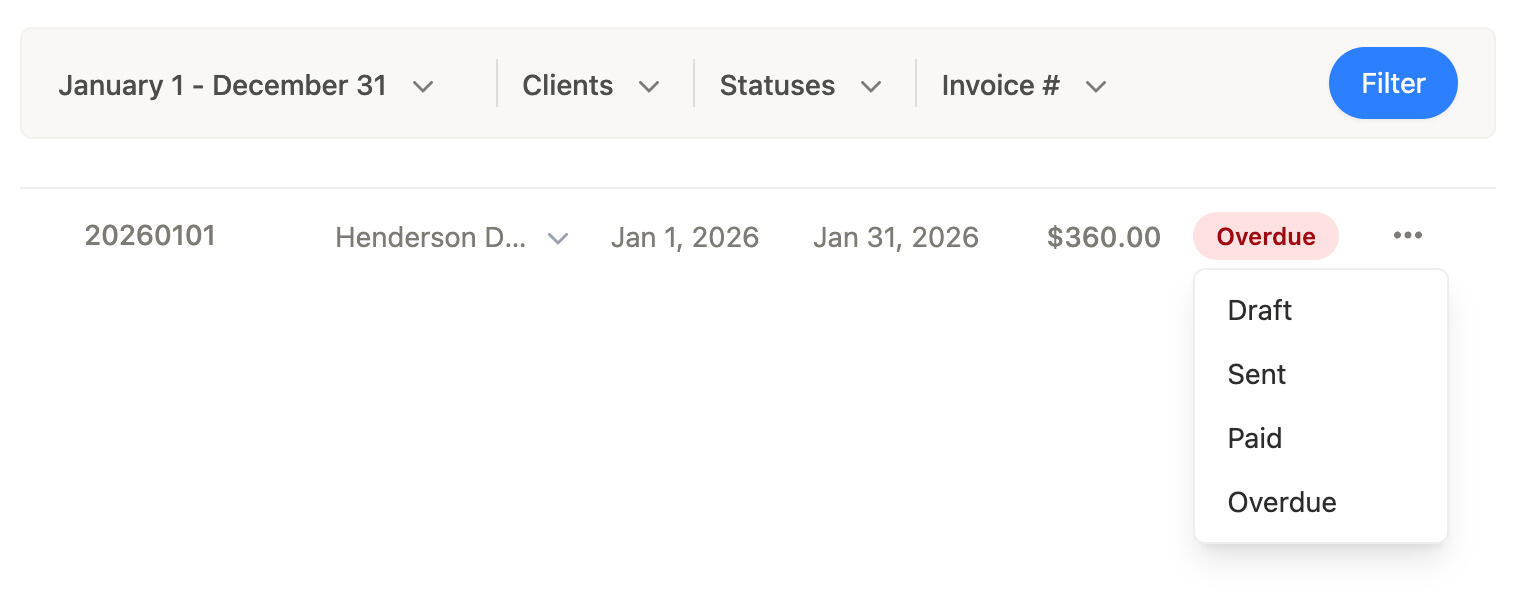
You can keep invoice statuses up to date as work moves from draft to sent, paid, or overdue, so the invoice list stays useful instead of turning into a static archive.
That makes it easier to see what is ready, what still needs attention, and what has already been handled.
From reports
Create invoices from reports
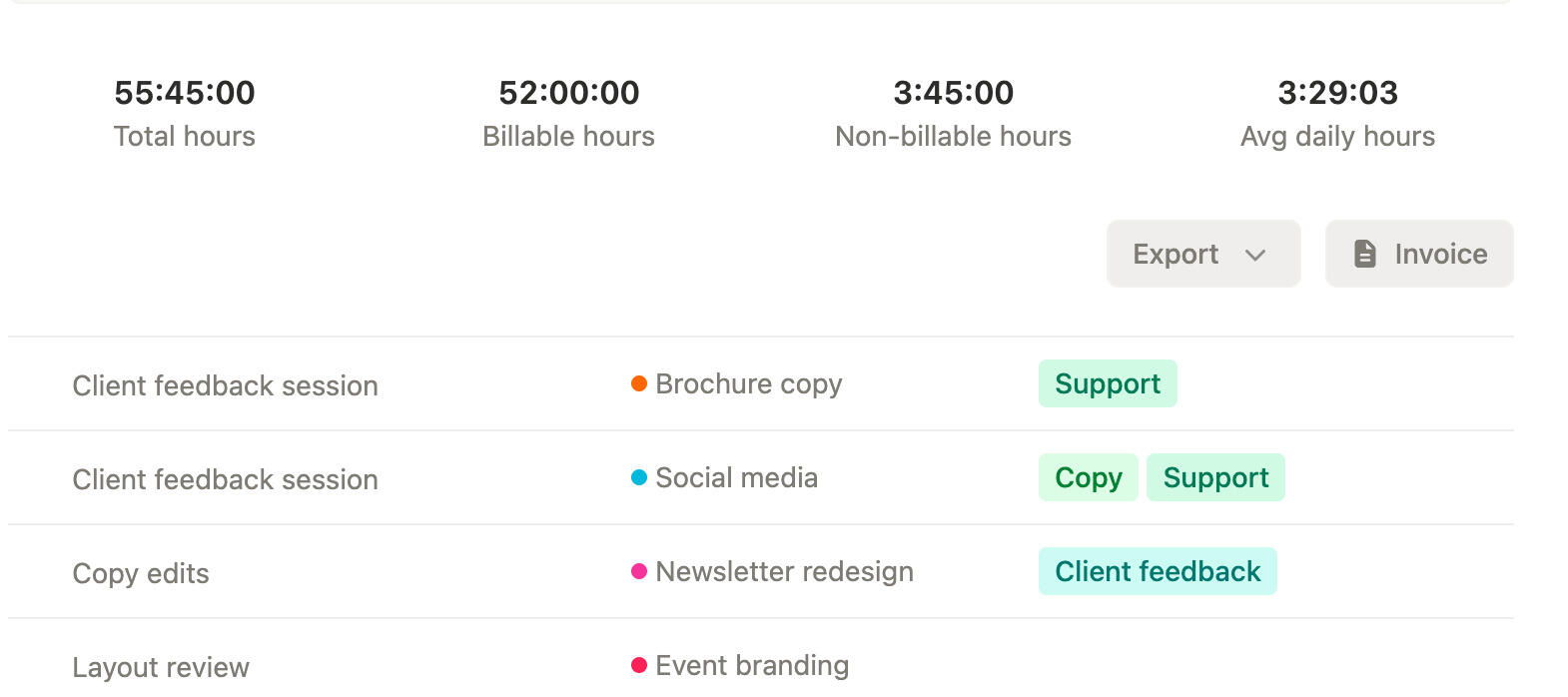
When tracked hours already make sense in a report, the next step should not start with retyping them somewhere else.
Timen lets teams create invoices directly from time reports, so the handoff from reviewed hours to billing stays short and easy to follow.
That cuts down on copy-paste work and makes it easier to bill from the same tracked hours the team already checked.
Client billing details
Keep client billing details together
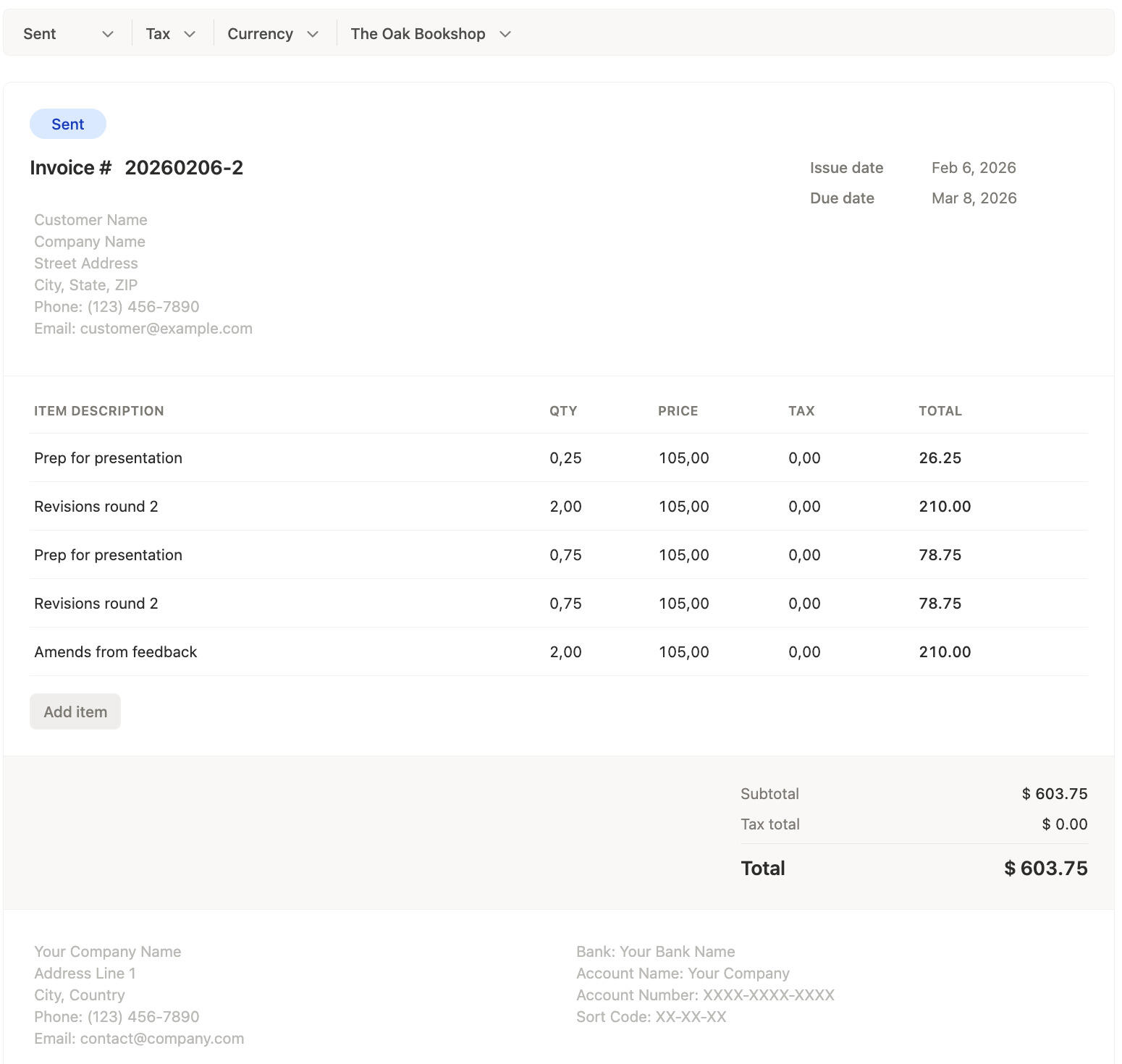
Invoices stay linked to the right client, so billing context does not have to be reconstructed later.
Teams can set currencies and tax rates on the invoice and still add manual line items when client billing needs more than tracked time alone.
That gives you flexibility when an invoice needs tracked hours plus an extra fee or custom charge on the same document.
Invoiced tracking
Avoid billing the same time twice
Timen automatically tracks which time entries have already been invoiced and marks them as invoiced inside the workflow.
That makes it much easier to see what is still ready to bill and what has already been used on an invoice.
The result is a cleaner billing process with less guesswork and much less risk of charging for the same time twice.
Turn reviewed time into invoices with less risk
Create invoices from tracked time, manage statuses, pull them from reports, and keep invoiced entries marked so client billing stays accurate without extra cleanup.
Frequently asked questions
-
Yes. Timen lets teams create client invoices inside the same workflow where they already review tracked time, reports, and billable work.
-
Yes. You can keep invoices in statuses like draft, sent, paid, and overdue, which makes the invoice list useful for day-to-day billing management.
-
Yes. When tracked hours already make sense in a report, Timen lets you move from that report into invoice creation without rebuilding the billing data somewhere else.
-
Yes. Invoices stay tied to the right client, which keeps the billing context clear and makes it easier to create the right document from the start.
-
Yes. Timen supports invoice currencies and tax rates, so the invoice can match the client billing setup without extra spreadsheet work.
-
Yes. You can add manual line items when an invoice needs something beyond tracked time, such as an extra fee or custom billing item.
-
Timen automatically marks invoiced time entries as invoiced, so the team can see which tracked hours have already been billed and which time is still available.
-
Because invoiced time entries are tracked and marked inside the workflow, it is much easier to avoid pulling the same billable work into another invoice by mistake.