













Free time tracking reports for client work
Timen gives your team summary reports for high-level overviews, detailed reports for exact drill-down, flexible filters for projects and clients, and exports when tracked hours need to leave the app.
Time tracking reports
Get the right view for the question
Some questions need a fast overview and some need exact detail. Timen gives teams both summary reports and detailed reports, so they do not have to force every reporting job into one format.
Summary reports help you step back and understand the big picture, while detailed reports let you drill down and inspect the exact entries behind the totals.
That makes time tracking reports useful for internal review, client work, billing checks, and day-to-day questions without extra cleanup first.
Summary reports
Group time for a clear overview
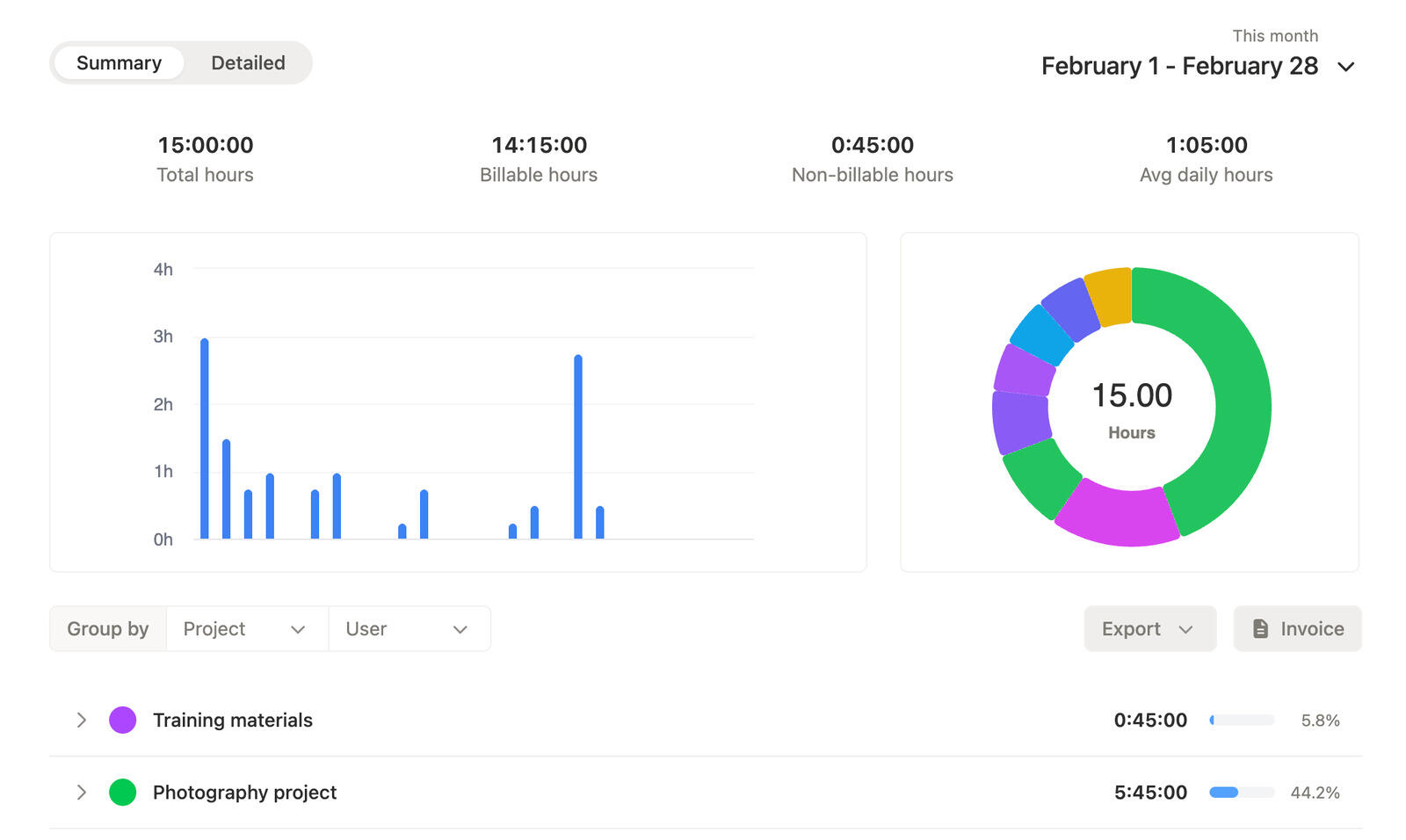
Summary reports are built for the high-level view. They help teams group time by projects, users, clients, tags, and more, so patterns show up without digging through every line item.
That makes it easier to understand where time is going, which clients or projects are growing, and how work is distributed across the team.
When the goal is a quick overview, summary reports keep tracked hours readable instead of burying them in unnecessary detail.
Detailed reports
Drill into the exact entries
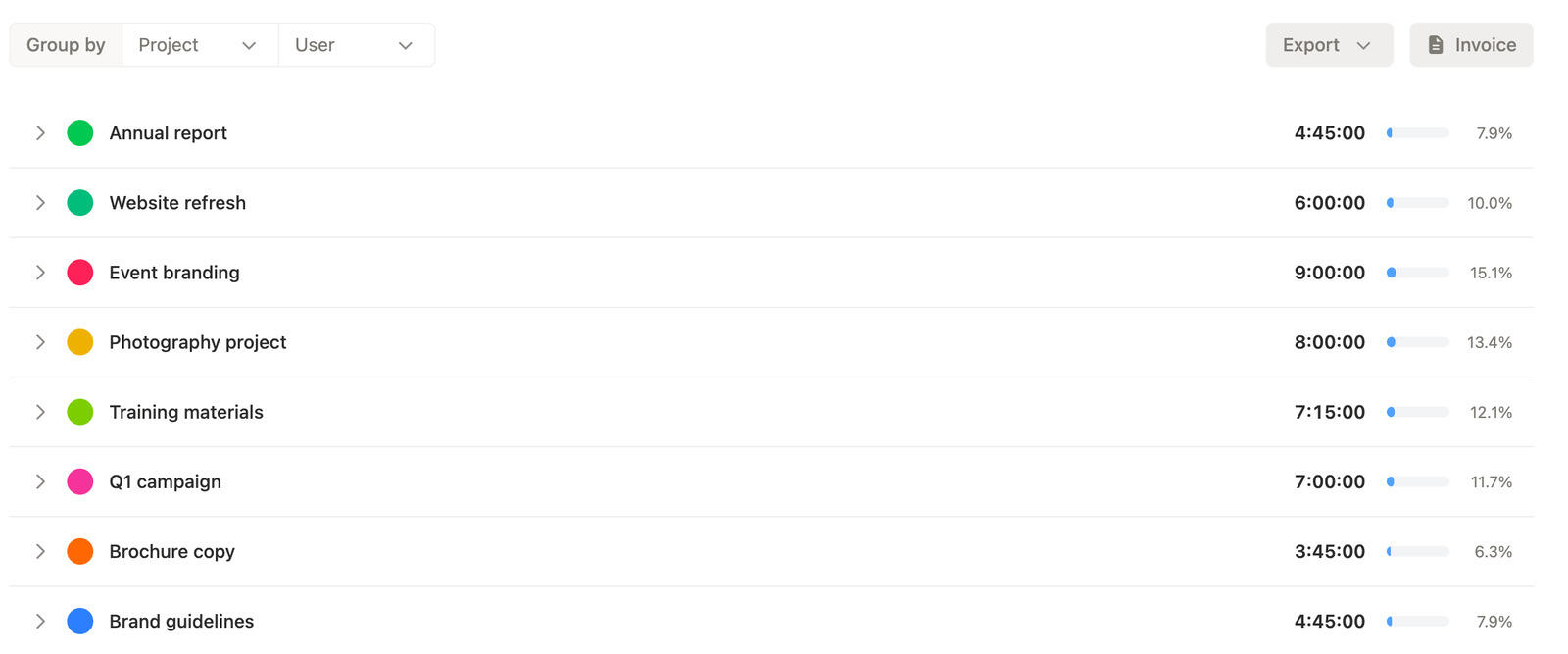
Detailed reports are for the moments when totals are not enough. They let you drill down and see exactly what you need, entry by entry.
That is useful when you need to verify work, answer a client question, check what happened in a time period, or understand the time data behind a summary report.
Instead of guessing from totals alone, your team can move straight into the exact time data and inspect the real activity behind it.
Filters and exports
Filter and export with less friction
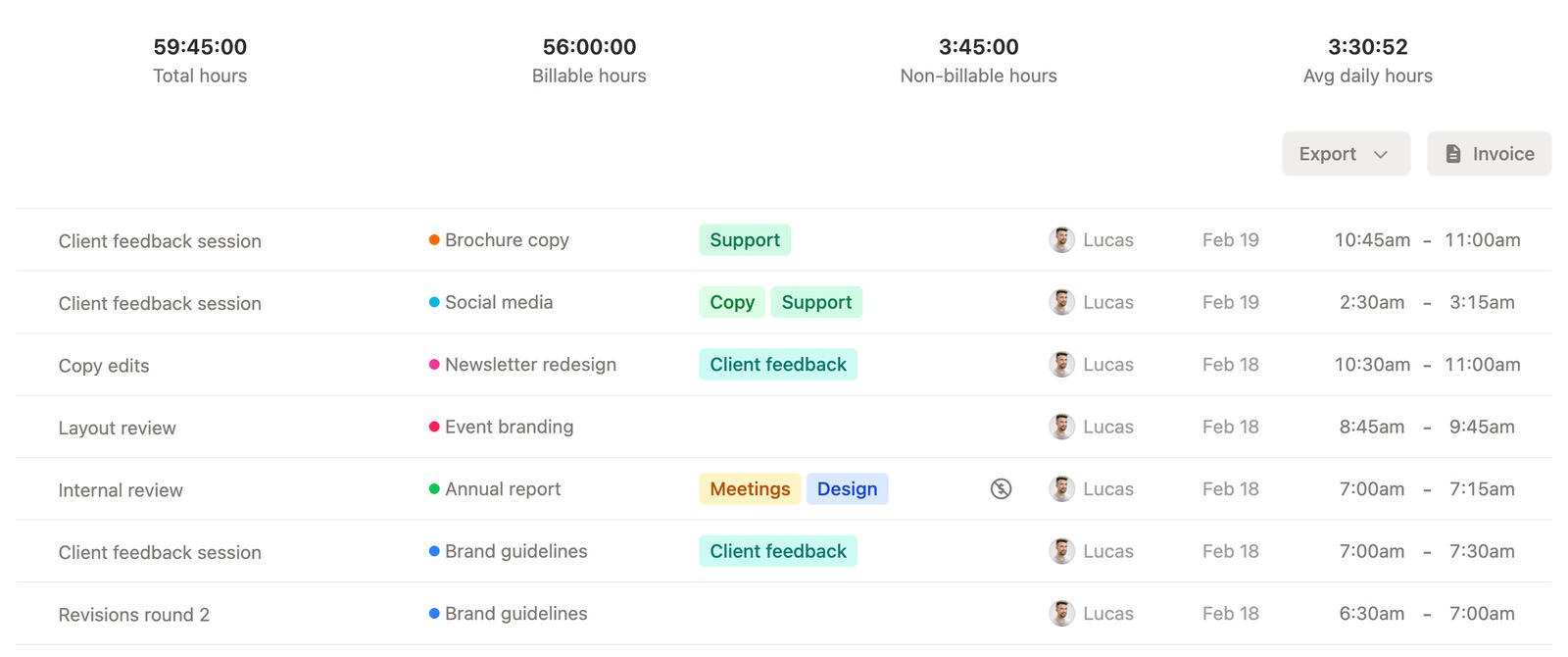
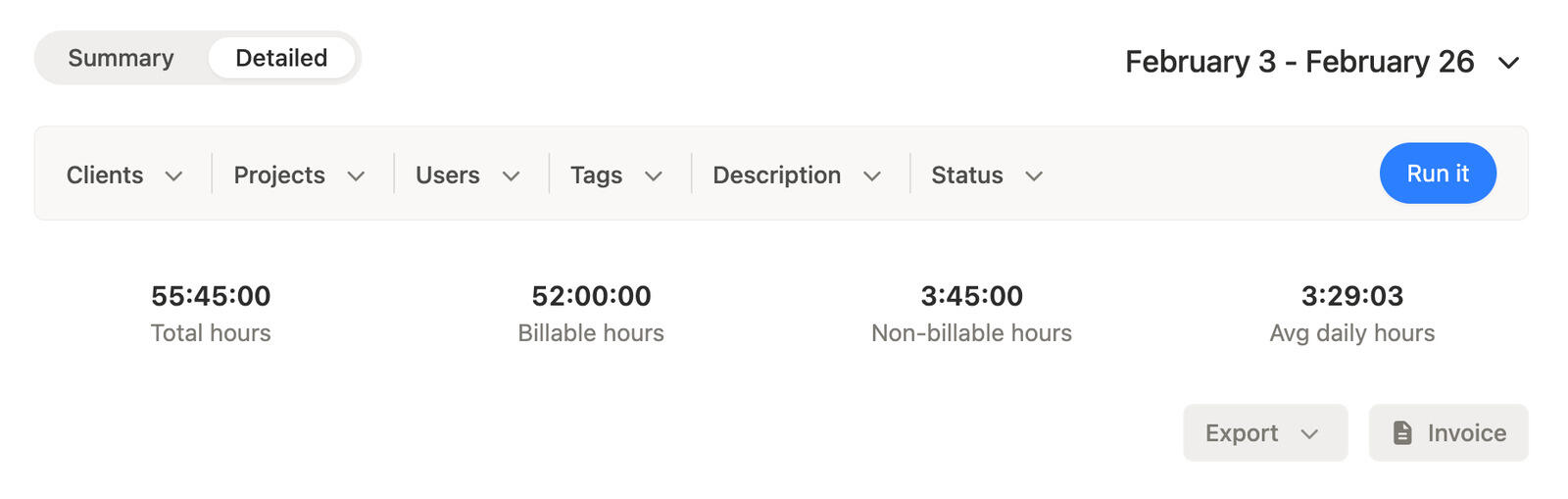
Both summary reports and detailed reports can be filtered by date, clients, projects, users, and more, so teams can get to the exact slice of time they need.
When the report needs to leave the app, both views can be exported to CSV, PDF, and more without turning the next step into a cleanup exercise.
That keeps reporting useful for finance, clients, managers, and anyone else who needs tracked hours in a format they can work with.
Move from summary to exact time data without the cleanup loop
Use summary reports, detailed reports, flexible filters, and exports to get the exact time tracking report you need without rebuilding the data.
Frequently asked questions
-
Summary reports give you a high-level overview of where time went, while detailed reports let you drill down into the exact entries behind those totals.
-
Summary reports can group time by projects, users, clients, tags, and more, which makes them useful for quick overviews and high-level reporting.
-
Use a detailed report when you need to drill down into exact time entries, verify what happened, answer questions, or inspect the details behind a summary.
-
Yes. Both report types can be filtered, so you can start with a high-level view or a detailed view and then narrow it down to the exact data you need.
-
You can filter reports by date, clients, projects, users, and more, which makes it easier to focus on a billing period, one customer, one team member, or a specific part of the work.
-
Yes. Both summary reports and detailed reports can be exported to CSV, PDF, and more when you need to share, archive, or hand off tracked hours.
-
Yes. Reports help teams show progress, confirm billable work, and prepare clean time data for invoices, client updates, and other external conversations.
-
Absolutely. Reports are useful for internal review because teams can move from grouped summaries to detailed drill-down, apply filters, and answer operational questions quickly.