













Free time tracking timer for client projects
Timen helps teams track billable hours as they work, connect every entry to the right project and client, and clean up time before reporting or invoicing.
Time tracking timer
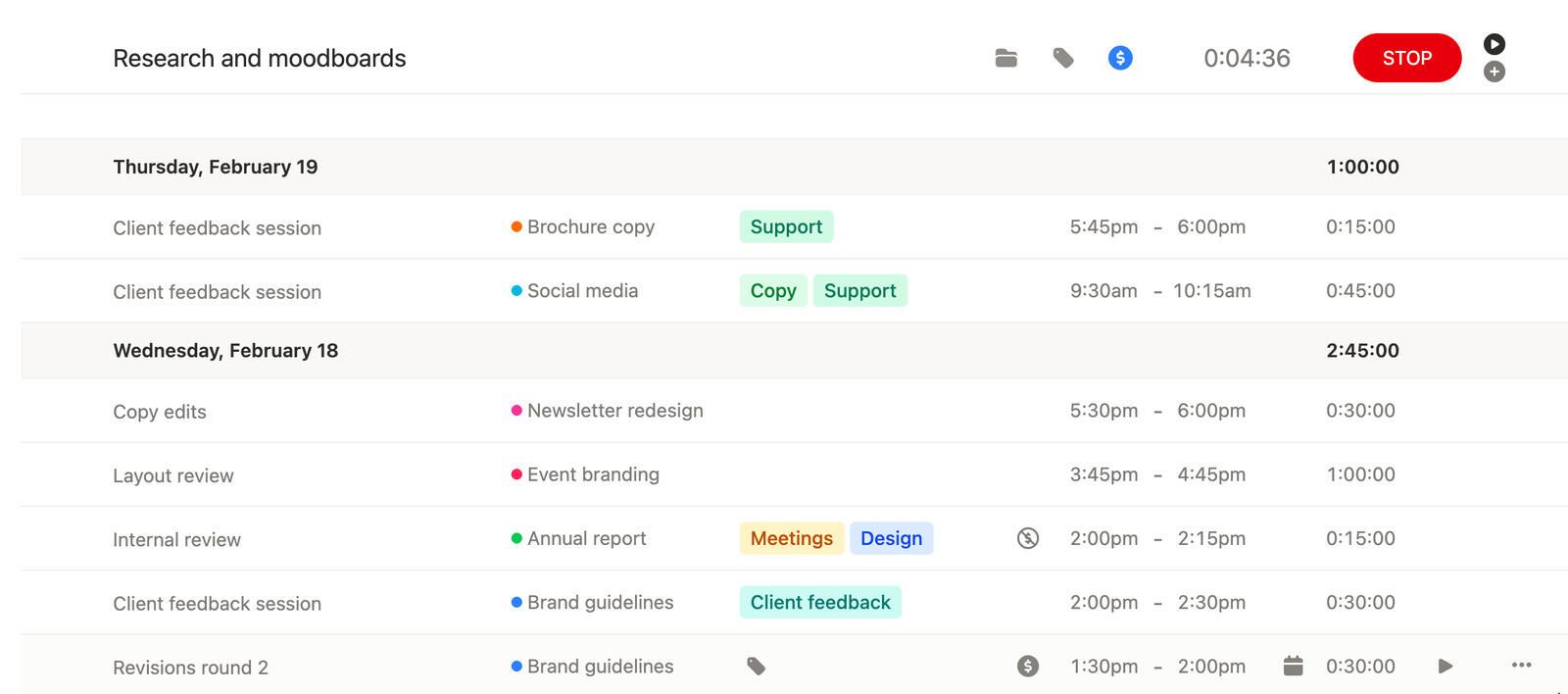
Track billable hours while the work is happening
Start tracking when work begins and stop when you are done. The workflow stays simple enough that people actually use it during real client work.
If you are comparing time tracking tools, what usually matters most is that tracking stays quick, accurate, and easy to fix later. Timen keeps manual edits part of the normal flow instead of turning them into a separate chore.
Time still stays tied to the right project and client, so the day is ready for review when you need it.
Manual time
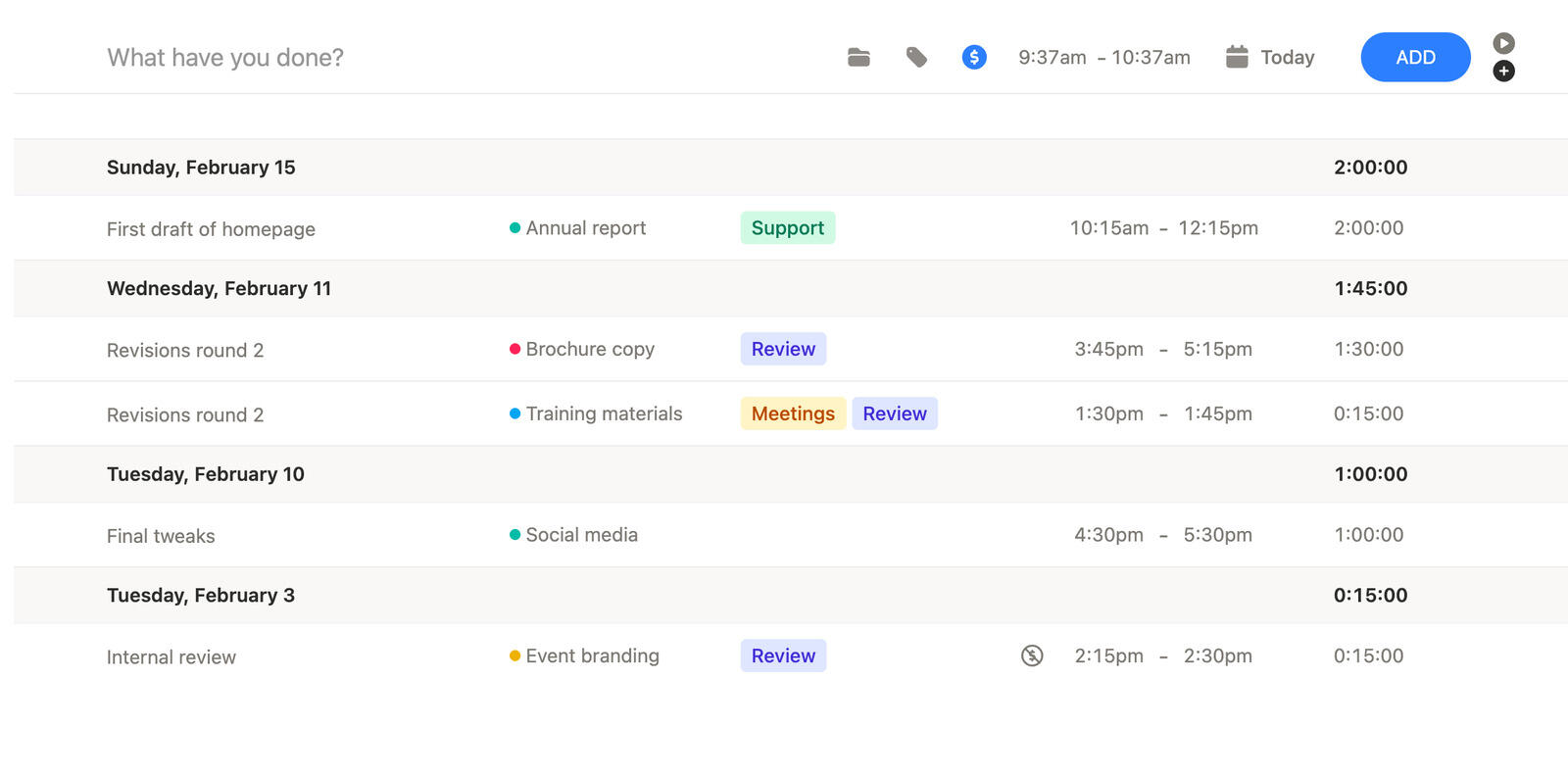
Add time later when the day did not go to plan
Real workdays are messy. Sometimes you forget to start tracking, stop late, or need to fill in gaps after a meeting-heavy afternoon.
Timen keeps manual entry close to live time tracking, so catching up later does not feel like a different tool or a bigger task.
That means people can track honestly without worrying that one missed click ruined the whole day.
Projects and clients
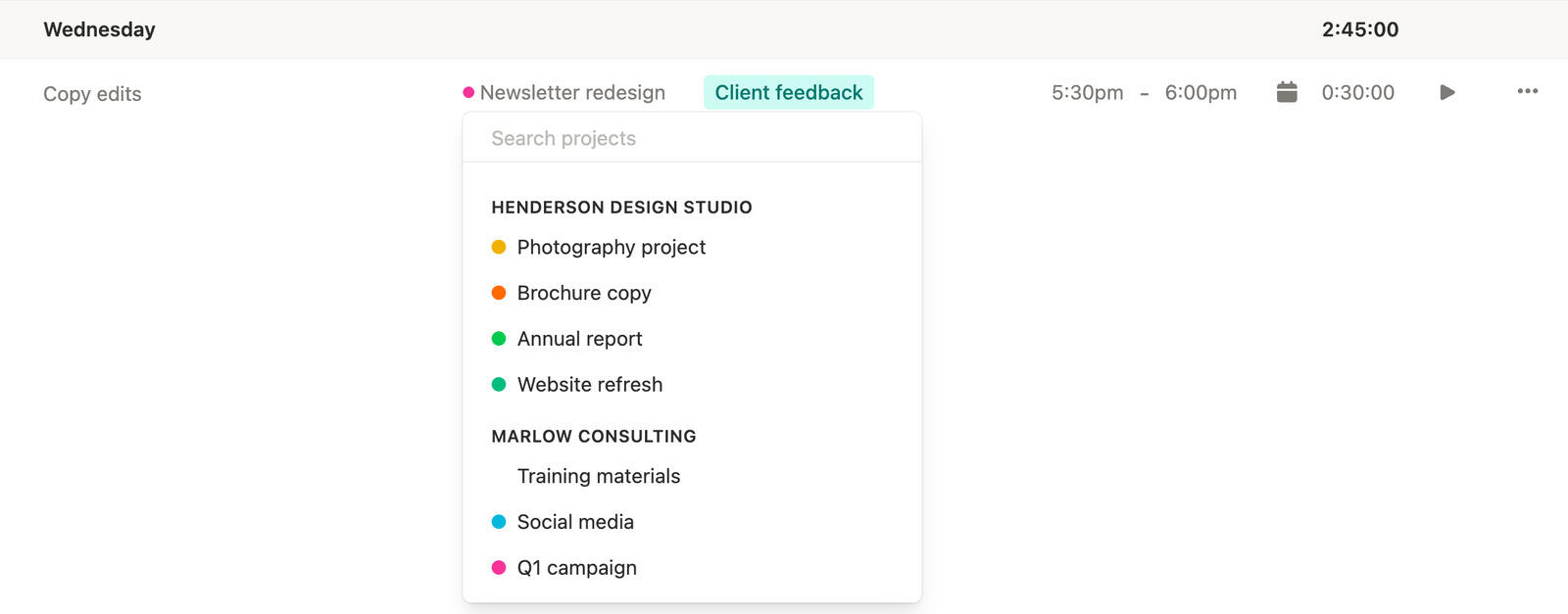
Keep every time entry tied to the right work
Fast time tracking matters, but it also needs the right context. Timen keeps time linked to projects and clients from the moment it is tracked.
That makes each entry more than a running clock. It becomes a clean record of where the hours actually went.
When the week ends, you are not sorting anonymous entries or guessing what belongs on a report.
Review and tag
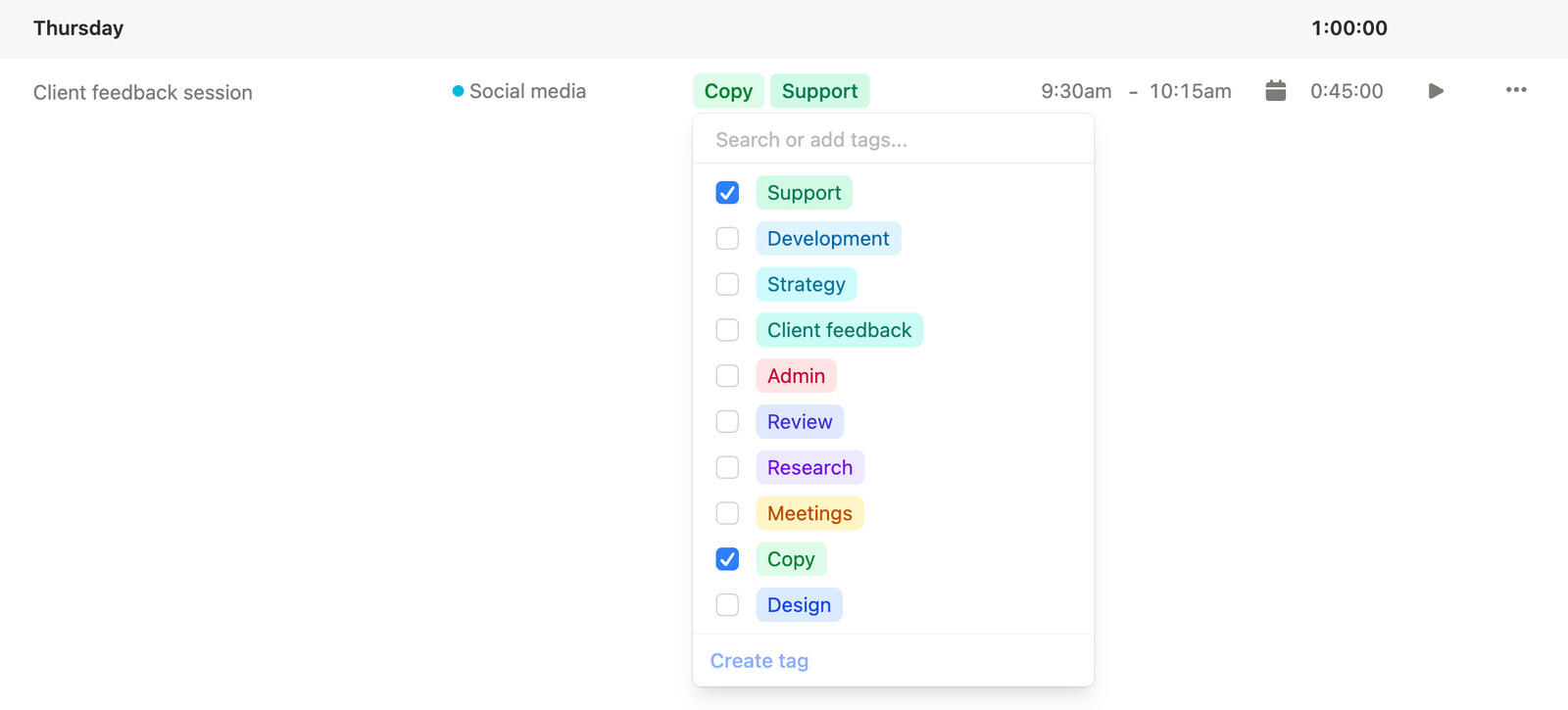
Clean up time before it reaches reports or invoices
Fast entry is only half the job. You also need to review the day, spot anything off, and fix it without starting over.
Timen keeps edits quick, so teams can tidy entries while the work is still fresh instead of postponing it until billing becomes painful. They can also tag time entries during review, which makes later filtering and reporting easier.
By the time you need totals, exports, or invoices, the tracked time already feels trustworthy.
Make billable time tracking easier from the first click
Give your team a simple way to track time, connect it to clients, and fix entries when they need to catch up later.
Frequently asked questions
-
Yes. Timen is built for real workdays, so you can adjust the entry later if someone started tracking late, stopped late, or needs to reconstruct time manually.
-
Yes. Each entry stays connected to the right project and client so the time is useful later for review, reporting, and billing.
-
No. Live tracking is there when you want to track as you work, but manual time entry is just as important and stays part of the same workflow.
-
Live tracking is designed to be immediate. The goal is to make starting and stopping feel lightweight enough that it does not interrupt the work you are trying to track.
-
That is normal. People can stop one entry, start another, or clean up the timing later if the day moved too quickly to track perfectly in real time.
-
They can come back and correct it. Timen assumes real tracking habits are imperfect, so edits are part of the expected workflow rather than an exception.
-
Yes. Because entries stay tied to projects and clients, tracked time feeds directly into the later parts of the workflow like reporting and invoicing.
-
No. It is intentionally simple so teams can adopt it quickly without spending weeks teaching people how to track their time.