













Free time tracking calendar for teams
Timen helps your team create and review time entries in one calendar, so it is easier to spot missing hours, keep project timesheets accurate, and prepare clean reports or invoices.
Time tracking calendar
Create and review time entries in one place
A time tracking calendar makes it easier to see what happened across the week than a long list of entries, and it also gives people a fast place to add hours when they need quick time creation.
Instead of bouncing between separate screens, they can create, review, and adjust project time in the same place without digging through rows of data.
When something looks off, they can fix it quickly and move on with confidence.
Hour views
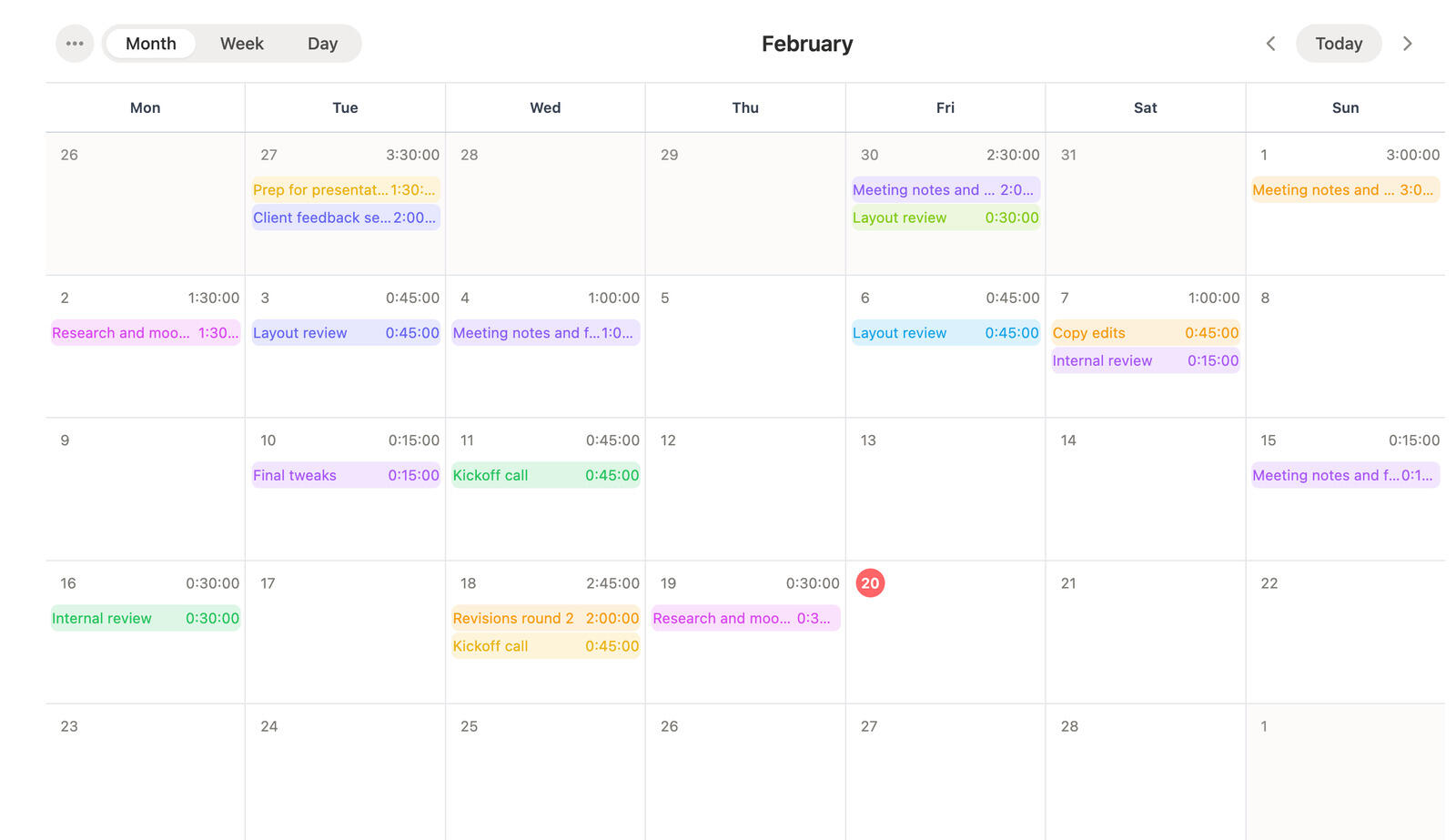
See your hours by month, week, or day
Some days need a close look and some weeks need a broader scan. Timen lets people move between month, week, and day ranges depending on which hours they need to review.
That makes it easier to zoom out for planning, zoom in for corrections, and keep the full picture of tracked work in mind.
The result is a time tracking calendar that works for daily logging, weekly review, and monthly oversight instead of forcing one rigid view.
Timesheets
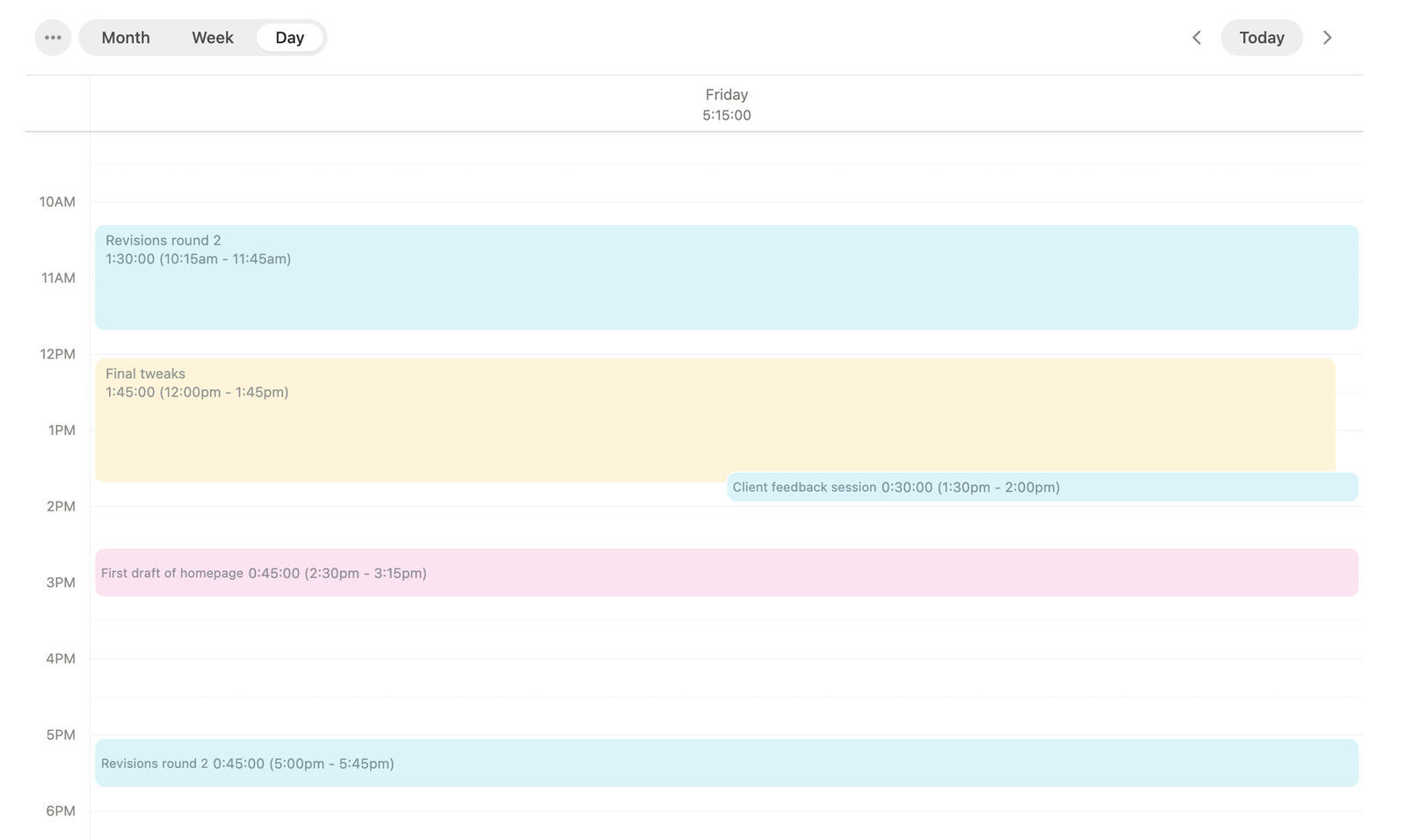
Keep timesheets clean and current
The calendar makes project timesheets easier to keep current because people can see missing hours, add entries quickly, and fix issues while the week is still fresh.
That visual clarity helps teams catch problems before they spill into reports, invoices, or end-of-week timesheet review.
It also makes it easier to talk about the week with concrete examples instead of vague totals and missing blocks of time.
Team visibility
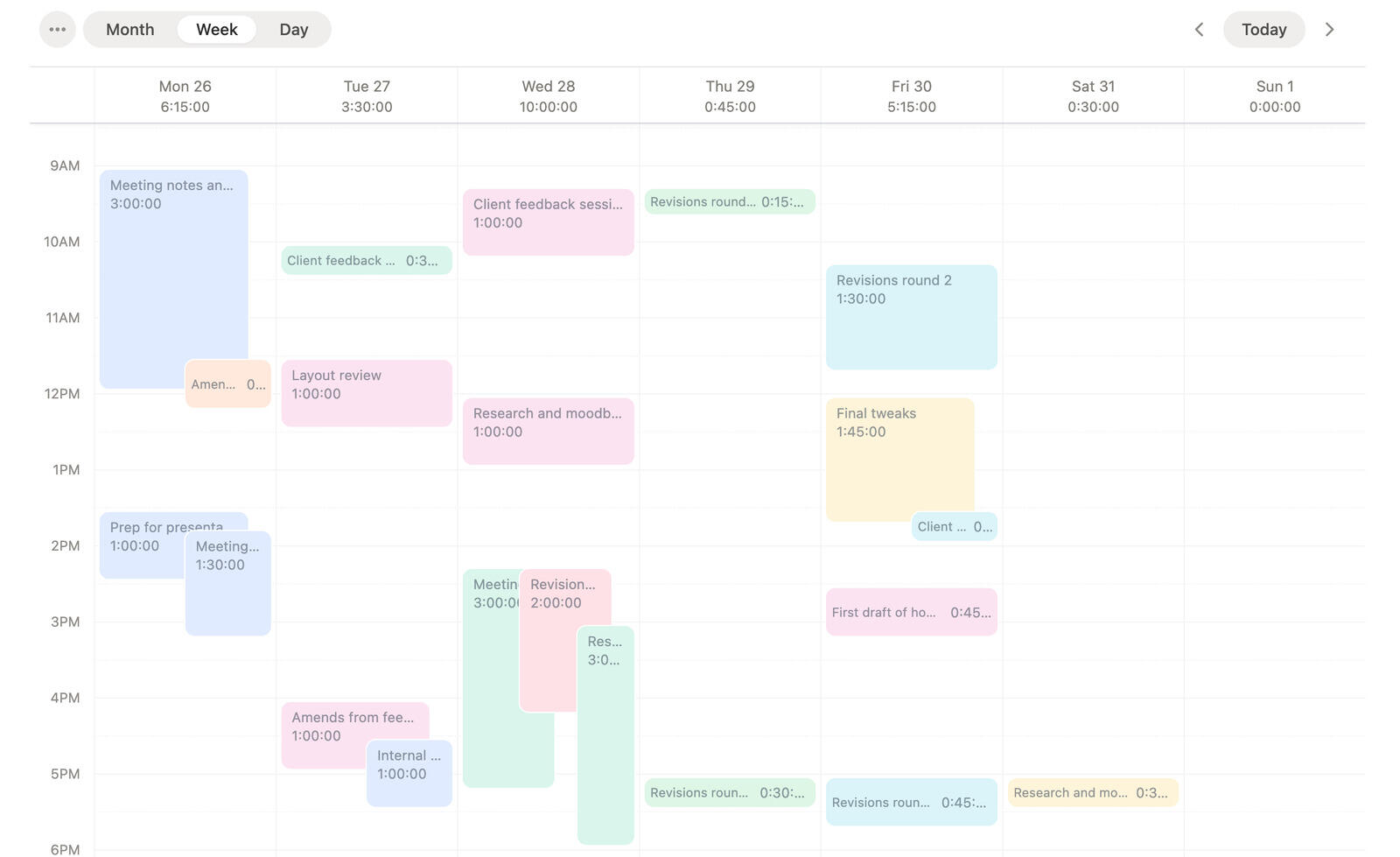
Give the whole team one view of tracked work
People can use the calendar to understand their own week and add missing entries on the spot, while managers can use the same view to see how work is distributed.
That shared view reduces back-and-forth because everyone is looking at the same tracked work instead of interpreting separate lists or separate entry forms.
When a week needs explanation or adjustment, the conversation becomes much easier because the calendar supports ongoing time entry and review in the same workflow.
Track your time and review it in one calendar
Use Timen to add hours quickly, move between month, week, and day views, and keep project timesheets clear without extra cleanup.
Frequently asked questions
-
A calendar shows hours the way people remember them. That makes it easier to create new entries, reconstruct work, spot gaps, and review project time without digging through long lists.
-
Yes. The calendar is not just for visibility. It also gives you a fast place to create new entries and adjust existing ones without leaving the timeline view.
-
Yes. Once entries are on the calendar, you can review and correct them there, which keeps quick fixes close to the timeline instead of hiding them in a separate workflow.
-
Yes. You can switch between month, week, and day views depending on whether you want a broad overview, a focused weekly pass, or a close look at one day's hours.
-
That is one of its main advantages. Gaps and odd-looking days are easier to spot visually than they are in a long list of separate entries, so people can fill them in before the week gets harder to remember.
-
No. It is useful for review, but it is also a practical place to create entries while the week is still unfolding.
-
The calendar helps keep project timesheets accurate because people can see missing hours quickly, create entries in place, and review the whole week before it needs cleanup at the end.
-
Yes. Individual users can create and review their own entries more easily, and managers get a clearer view of how work is distributed across the week.
-
Yes. The same calendar that helps individuals create and review time entries also helps managers review patterns, spot gaps, and talk through the week with more clarity.