





Fast adoption
Start tracking without a long rollout
People can start tracking, add time later, and keep their work tied to the right project, team, or client without learning a complicated workflow first.

Small teams
Simple team tracking with billing

Freelancers
Billable time tracking and invoicing

Consultants
Client tracking, reports, and billing

Designers
Creative work with project context

Lawyers
Precise billable time for legal work

Agencies
Team tracking for client projects

Finance teams
Reporting and invoice visibility

Developers
Fast tracking for technical work
Teams
Timen gives small teams a simple way to track time, review the week in one place, understand where time went, and use the same data for reports, planning, or invoices when needed.

Small teams usually need enough structure to keep project time and reporting clear, but not so much structure that time tracking starts to feel like another internal project.
Fast adoption
People can start tracking, add time later, and keep their work tied to the right project, team, or client without learning a complicated workflow first.
Shared visibility
Calendar views and reports make it easier to spot missing time, uneven workloads, and messy entries while the week is still easy to fix.
Reports and billing
When a small team needs reports, planning insight, or billing, Timen keeps tracked work organized enough that the handoff stays simple.
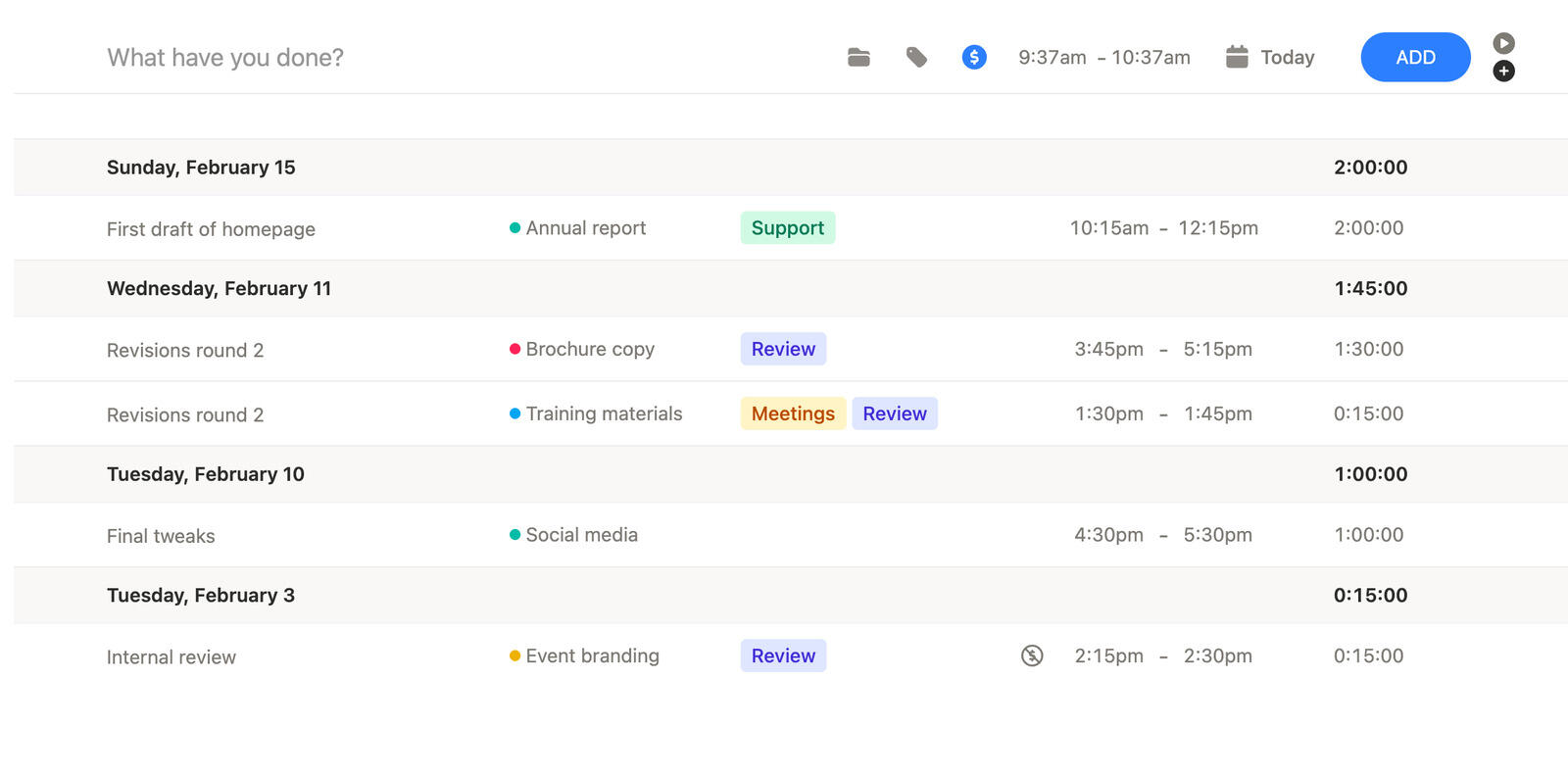
Time tracking and manual entry
Small teams do not always work in neat blocks. Meetings run over, priorities shift, and someone forgets to start tracking.
Timen keeps live tracking and manual entry close together, so the team can log honestly without feeling punished for one missed click.
That helps time tracking stay realistic enough that people keep using it.
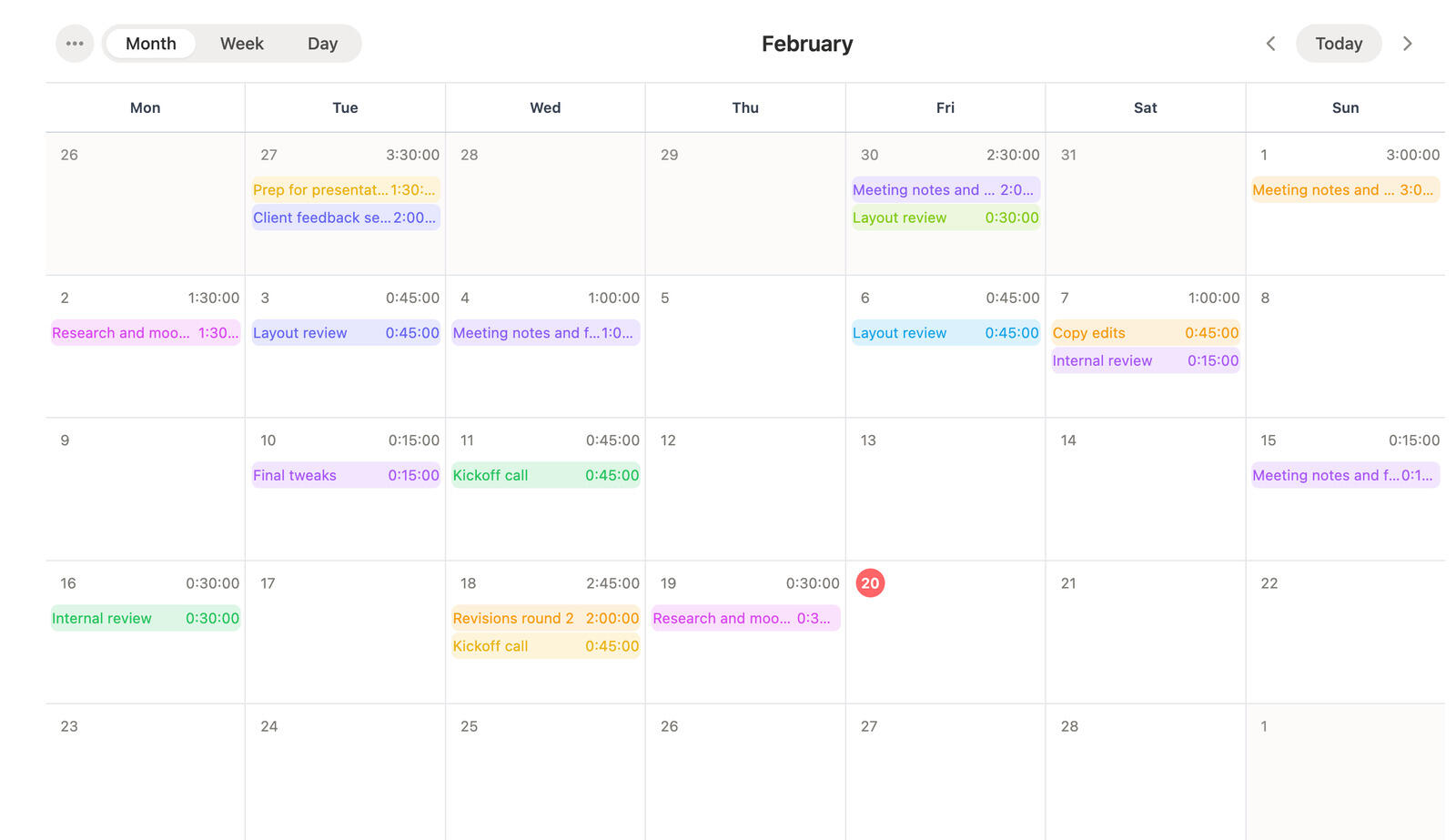
Time tracking calendar
A shared calendar view helps the team understand what happened across the week without piecing it together from separate rows and screenshots.
It becomes easier to see gaps, overloaded days, and entries that need a quick correction before those issues reach reporting or billing.
For small teams, that kind of visibility usually matters more than extra process.
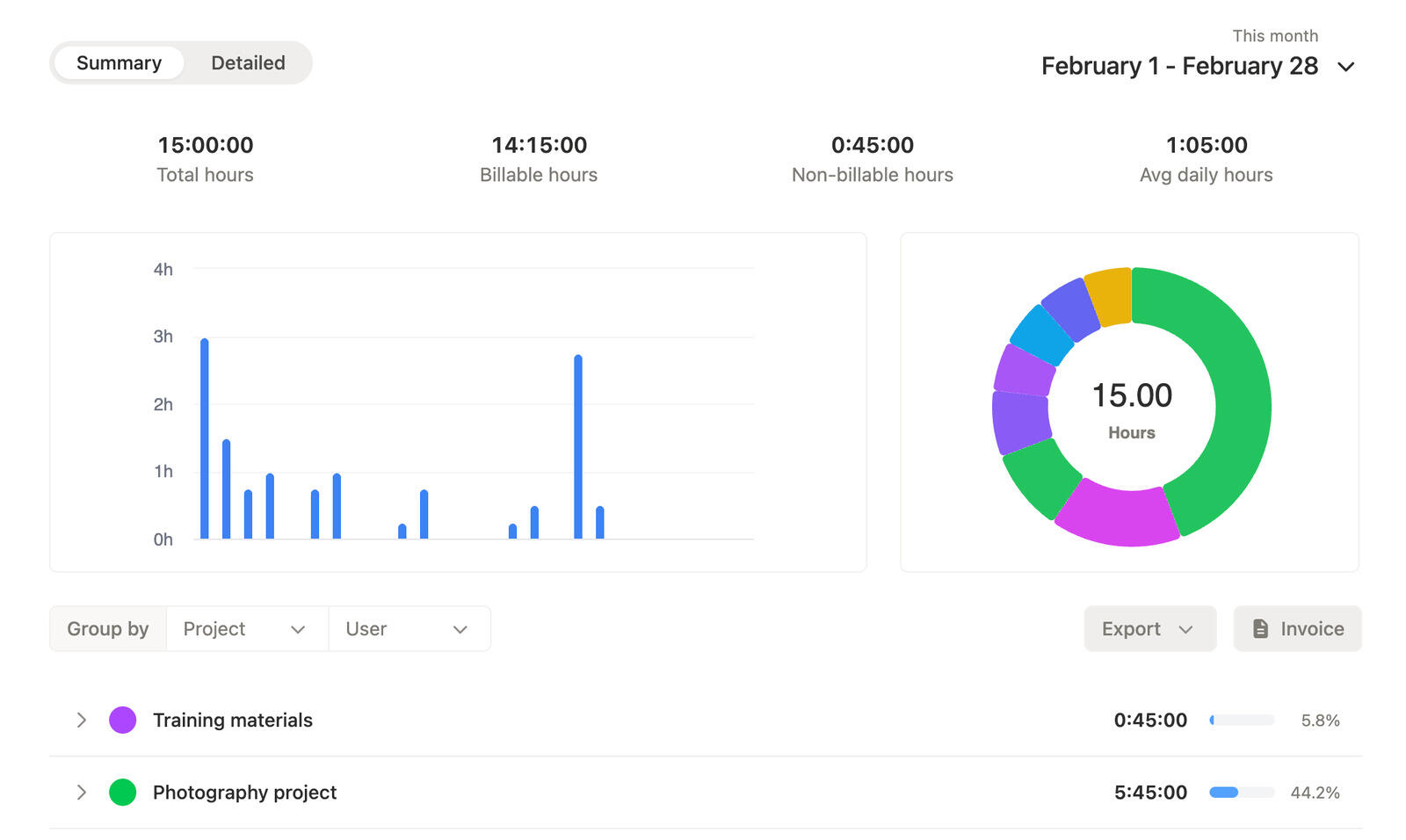
Time tracking reports
Small teams need reporting that answers simple questions fast: what took time, which projects grew, and what is ready for reporting or billing.
Timen keeps those answers easy to reach with summary and detailed reports that stay close to the tracked entries behind them.
That means fewer spreadsheet detours and less guesswork when someone asks for clarity.
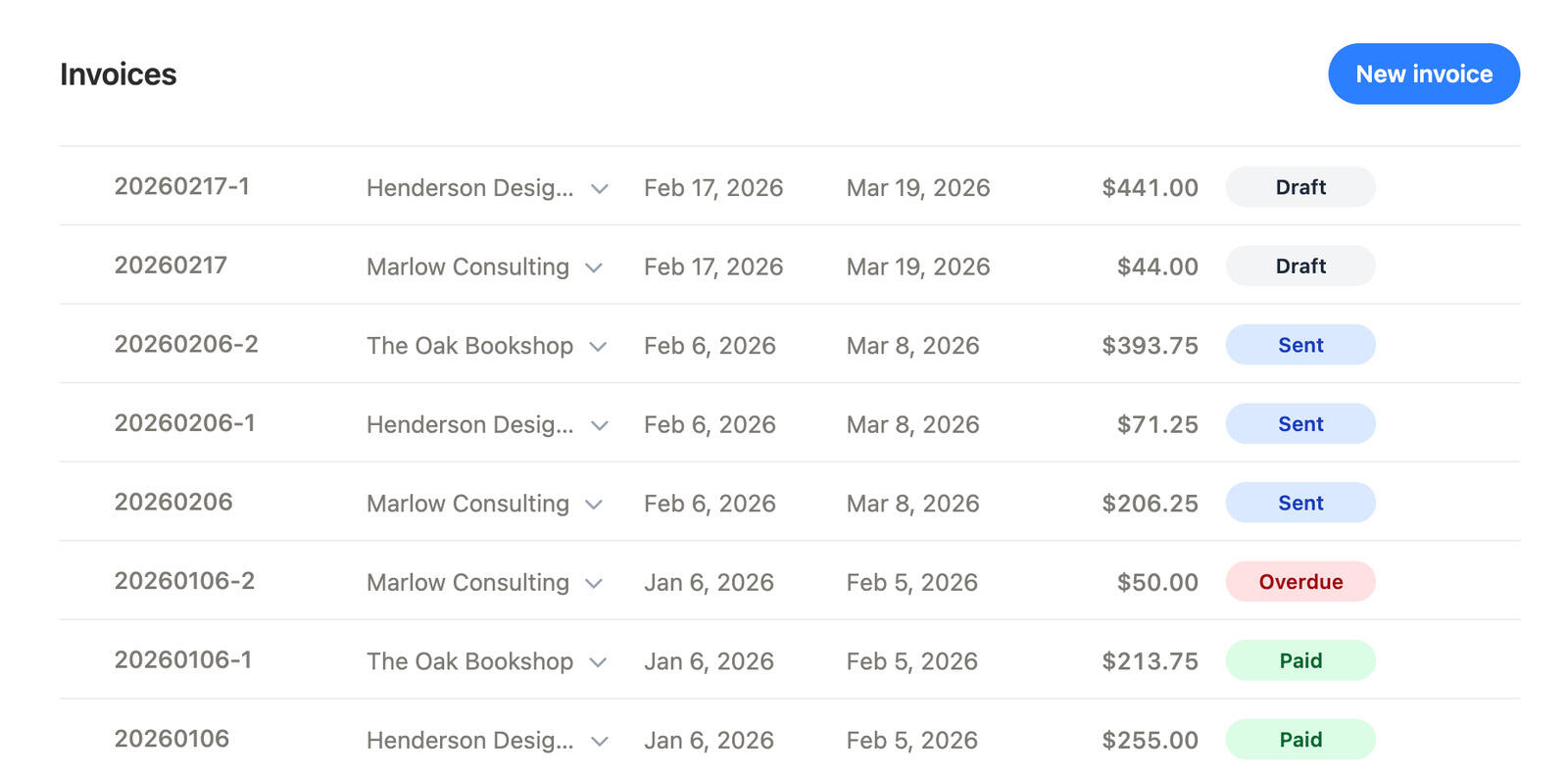
Time tracking invoicing
When billing is part of the workflow, time tracking should shorten the billing process instead of adding one more handoff.
Timen helps the team move from tracked work to invoice creation with less copy-paste and a clearer record of what has already been billed.
That keeps billing cleaner as the team grows.
The workflow stays simple: track work while it happens, review the week before details fade, and use the same data for reporting or billing.
01
Create the structure once so every entry lands in the right place from the start.
02
Use the timer when you can, or add time later when the day changed too quickly to track live.
03
Check the calendar and reports before missing time or odd entries turn into harder conversations.
04
Move from reviewed time into reports, planning, or invoices with less rework and a clearer record of what is already done.
Yes. Timen is built for teams that want time tracking, calendar review, reporting, and invoicing without introducing a heavy internal process.
Yes. People can adjust entries later, which makes the tool more practical for real workdays that do not run to plan.
Yes. Calendar views and reports give the team a shared view of what happened during the week and where time went.
Yes. Timen supports invoices and keeps invoiced work visible, so billing stays easier to manage when client billing is part of the workflow.
No. The goal is to keep setup light enough that small teams can get the value of tracking time without spending weeks designing the workflow first.
Track time quickly, review the week clearly, and move into reporting, planning, or invoices without adding more admin than the team needs.