Why teams move from Toggl to simpler time tracking

Some teams are moving away from Toggl because they want time tracking to feel lighter again. They do not need a broader system with more layers to click through. They want a tool that makes it easy to start a timer, review hours, and move on with the work.
Why does Toggl feel different now to some teams?
For some teams, Toggl feels different now because the product no longer feels quite as minimal as it used to. That does not mean it is a bad product. It means the experience can feel further away from the original reason many people adopted it in the first place: quick, simple time tracking without much friction.
That pattern is common. A tool becomes popular by solving one problem really well, then grows to support more workflows, more use cases, and more types of customers. Over time, the product gets broader. For some users that is a big improvement. For others, it makes the day-to-day experience feel heavier than before.
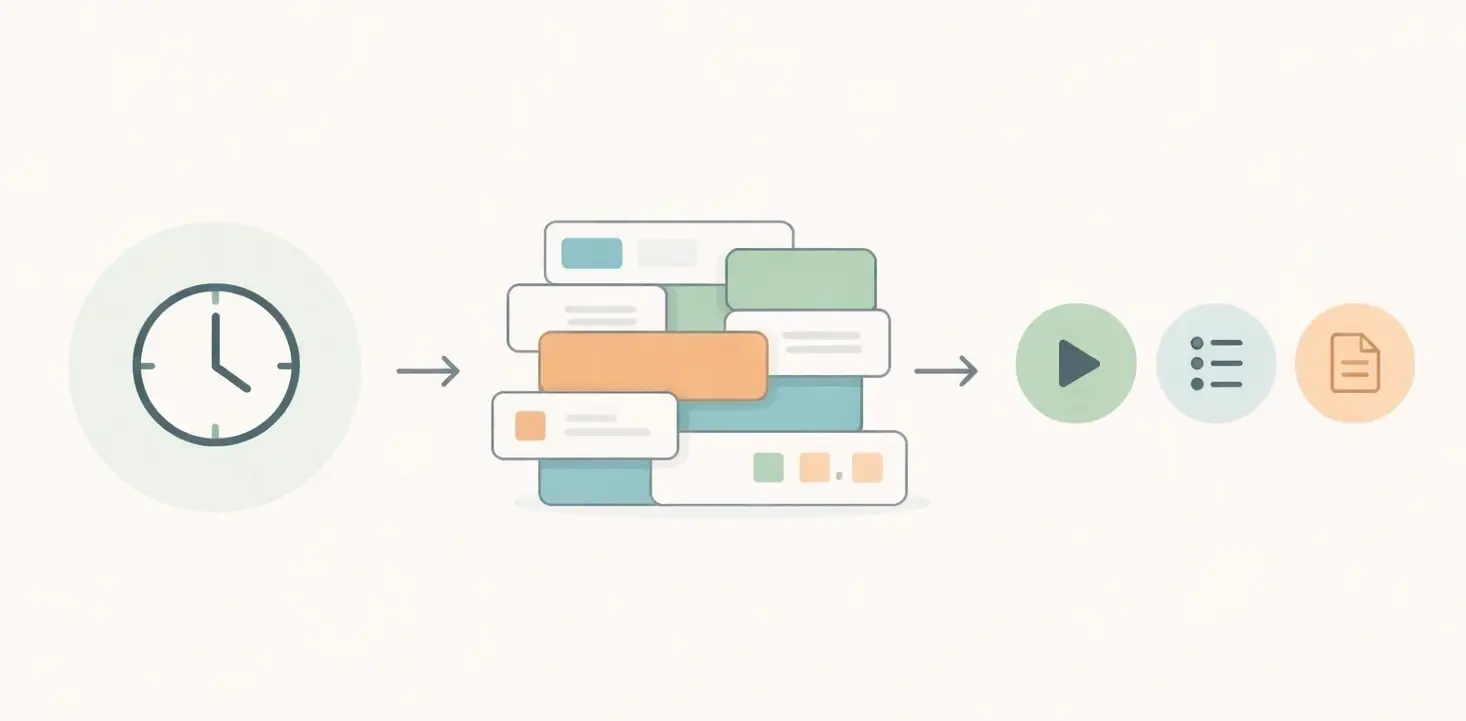
Toggl became well known as an easy way to track time. You could start the timer, stop it, group your work, and keep moving. A lot of freelancers, agencies, and small teams liked that because they were not looking for an operations system. They just wanted reliable time tracking that did not get in the way.
What makes a time tracking tool start to feel too complex?
A time tracking tool starts to feel too complex when basic actions take more thought than they should. If people have to make too many decisions before logging time, or managers have to click through too many layers to review hours, the tool starts creating work instead of reducing it.
The issue is usually not one single feature. It is the accumulation of small things: more settings, more navigation, more structure, more edge cases to understand, and more product logic sitting around a task that used to be simple. Each addition may make sense on its own, but together they can change the feel of the product and send teams back to comparing simple time tracking tools.

This matters most for teams that do not have a dedicated operations person managing the tool. A small agency, client services team, or design team often wants the opposite experience. They want new people to understand the system quickly. They want time tracking to be easy enough that nobody needs training just to get through a normal week.
That is usually the point where teams start searching for terms like simpler Toggl alternative, lightweight time tracking tool, or time tracker for small teams. They are not necessarily asking for more power. They are asking for less friction.
Why do small teams often prefer less tool, not more?
Small teams often prefer less tool because they need software that supports the work, not software that becomes its own project. In a small business, the goal of time tracking for small teams is usually simple: track hours accurately, keep projects organized, and make review easy for whoever needs to approve or bill that time.
The more moving parts a system has, the more likely it is that people stop using it consistently. A tool can have strong reporting, flexible structure, and many options, but if daily tracking feels annoying, the data quality usually drops. People forget entries, timers get skipped, and timesheets become something everyone catches up on late.
That is why many teams end up choosing simplicity on purpose. They would rather have a tool that gets used properly every day than a more ambitious platform that only looks good on paper. In practice, the best time tracking tool is often the one people actually keep open and use without resistance.
When do teams usually start looking for a Toggl alternative?
Teams usually start looking for a Toggl alternative when the tool no longer feels aligned with the way they actually work. The switch rarely happens because of one dramatic problem. It usually happens when the product starts feeling slightly too heavy for a narrow, repeatable workflow.
A common example is a team that only needs three things: a timer, clean timesheets, and an easy way to review hours by project or client. If that team feels like they are spending too much time organizing the system around the work instead of just tracking the work, they begin to question whether they need that much software in the first place.
Another trigger is onboarding. If new team members need too much explanation before they can track time properly, the team starts to feel that the tool is asking too much from a simple process. Time tracking should usually be obvious. You should not need to explain the philosophy of the product just to help someone log their afternoon.
This is also where managers feel the pain. They often do not want a deep system for reviewing hours. They want to see what was tracked, spot anything missing, and approve or follow up quickly. When review becomes more complicated than the decision it supports, simpler tools start to look much more attractive.
What do teams actually want from a simpler time tracking tool?
Most teams looking for a simpler time tracking tool want the basics to feel obvious again. They want to start a timer quickly, enter time manually when needed, review hours without digging around, and keep projects or clients organized in a way that makes sense at a glance.
They also want less setup burden. That means fewer decisions before getting started, a clearer interface, and less admin overhead for the person managing the system. For many small teams, simplicity is not about missing features. It is about reducing the number of steps between work happening and time being recorded correctly, especially when they are still choosing between a timer, timesheet, or calendar-based time review.
A simpler tool also tends to make expectations clearer. Team members know where to log time. Managers know where to review it, whether that means a quick calendar review or a simple weekly check. Nobody is wondering which workflow path they are supposed to use. That clarity matters more than feature count for teams that mainly care about consistency and visibility.
| What the team needs | What usually matters most |
|---|---|
| Track time every day | Fast timer and low-friction manual entry |
| Review weekly hours | Clear timesheets and simple manager review |
| Track by client or project | Clean structure without too much setup |
| Onboard new team members | Interface that feels obvious right away |
| Keep the process consistent | Less complexity and fewer workflow decisions |
How does Timen fit teams that want a simpler alternative?
Timen fits this shift by focusing on the core job many teams actually need done: track time clearly, review it quickly, and keep the process easy to follow. It is built for teams that do not want time tracking to sprawl into a more complicated system than they need.
That means the value is not just that Timen has timers or timesheets. Plenty of tools have those. The value is that the workflow stays understandable. A team member can log time without hesitation. A manager can review hours without digging through layers. The software stays close to the real task instead of surrounding it with too much extra structure. If you are weighing both products directly, Timen vs Toggl Track is the clearest side-by-side comparison.

This is especially useful for agencies, consultancies, and service businesses where time tracking is routine but not the main event. They need the process to work every day, but they do not want it to dominate the rest of the system. For that kind of team, a simpler tool often ends up being the more disciplined option because people actually use it consistently.
So the contrast is not really about old versus new. It is about product direction. Toggl grew into a broader product. Timen is for teams that want to keep time tracking closer to the original lightweight promise that made tools like Toggl appealing in the first place.
Should you move from Toggl to a simpler time tracking tool?
You should consider moving from Toggl to a simpler time tracking tool if your team keeps saying the same things: this feels heavier than it used to, we only use a small part of it, or tracking time should not require this much thought. Those are usually signs that the product has outgrown your workflow.
If you are still deciding, it helps to choose time tracking software for a small team based on whether your needs are narrow and consistent. That usually means a team that mainly wants timers, timesheets, project or client organization, and straightforward review. Avoid switching just because a different tool looks cleaner on the surface. The real question is whether your current tool is creating friction in the specific workflow you repeat every week.
Toggl may still make sense for teams that actively benefit from its broader direction or are already comfortable with how it works. But if your team values speed, clarity, and low admin overhead more than expanded scope, moving to a lighter tool is a very reasonable decision.
FAQ
- Is Toggl still good for simple time tracking?
- Toggl can still work well for simple time tracking, especially for individuals. The issue for some teams is that it no longer feels as lightweight as it once did, so they start looking for a tool with less setup and a clearer daily workflow.
- Why do teams switch from Toggl to a simpler time tracking tool?
- Teams usually switch when they want less friction. They want people to log time quickly, managers to review hours easily, and the whole system to feel obvious without extra layers, setup, or admin work.
- What kind of team is a simpler time tracking tool best for?
- A simpler time tracking tool is usually best for small teams, agencies, consultancies, and service businesses that mainly need to track hours, review timesheets, and keep client work organized without using a larger operations platform.
The real reason teams move to simpler tools
Teams move from Toggl to simpler time tracking tools when they want the process to feel lighter, clearer, and easier to stick to every day.
If your team mainly needs to track hours, review timesheets, and keep client or project work organized without extra friction, a simpler tool like Timen is often the better fit.