













How to turn tracked hours into invoices without rebuilding the work twice

To turn tracked hours into invoices without rebuilding the work twice, teams need billing context in the tracker from the start and a review step before invoicing begins. If the invoice is the first place anyone interprets raw hours, the process will stay slow and error-prone.
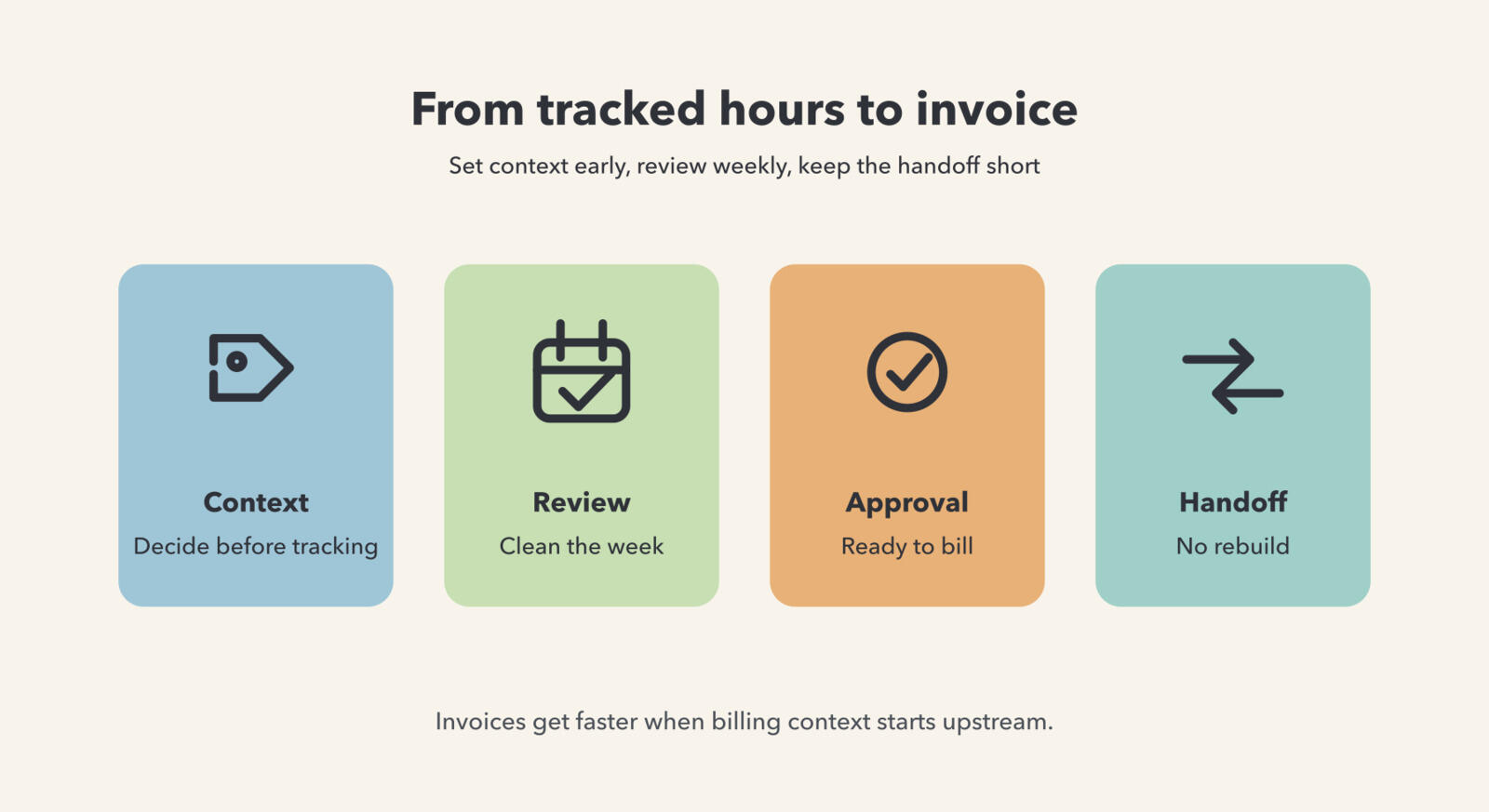
Why do teams rebuild the work when invoice time arrives?
Teams rebuild the work because the tracker stores duration but not enough decision-making context. By the time invoicing starts, someone still has to work out which entries belong to which client line item, what was billable, which description is clean enough to send, and whether those hours were already used elsewhere.
That turns invoicing into interpretation instead of confirmation. The team is not simply moving approved hours forward. It is translating incomplete time data into something clients can understand and finance can trust.
This usually happens in quiet ways. The tracker might have the total hours, but not a description that survives a client question. Or the project is right, but the billable status is still unclear because nobody marked internal prep separately. Or a consultant used one catch-all entry for a whole afternoon and now someone has to split it into invoice lines. None of that looks like a major failure while the work is being done, but all of it turns into invoice reconstruction later.
The deeper issue is that time capture and billing preparation are being treated as different jobs with different data standards. If the team wants to avoid rebuilding work, those standards have to get closer together much earlier in the process.
What needs to be decided before the timer ever starts?
Before tracking begins, teams should define the client and project structure, what counts as billable, how descriptions should read, and who reviews the time later. Those rules do not need to be complex, but they do need to be consistent.
This is why software selection matters more for client work than many teams expect. A product that makes client assignment, billable status, and cleanup awkward will create invoice work no matter how disciplined the team is. That decision usually comes back to client-work software criteria.
It also helps to define the minimum invoice-ready entry before the week begins. For many teams that means: correct client, correct project, billable decision, and a description specific enough that a client can understand the charge without a separate explanation. Once the team agrees on that minimum standard, review gets much faster because people know what they are aiming for.
These decisions do not need to create a heavy operating manual. In smaller teams, a one-page rule set is often enough. The important part is that the rules exist before the work is logged. If they only show up when billing starts, the team is back to interpreting the same work twice.
How should hours be reviewed before they reach the invoice?
Hours should be reviewed in a separate step before anyone drafts the invoice. That review should catch missed entries, vague descriptions, incorrect billable flags, and duplicates while the week is still fresh enough to fix confidently.
For many teams, a weekly pass is enough. Review the week, approve the right entries, and only then move them into billing. A workflow like this also depends on clear billed and unbilled organization, which is more than an accounting detail. It is part of making the whole system reliable.
The order of review matters. First find gaps and duplicates, then correct client or project assignment, then confirm what should be billable, and only after that tidy descriptions for invoice presentation. Teams often do this backward and end up polishing wording on entries that still have a deeper classification problem. The result is more work and no real improvement in invoice quality.
A separate review step also creates ownership. Someone can say, with confidence, that the approved set is ready to bill. Without that moment, invoicing becomes a moving target where people are still changing the meaning of entries while trying to produce a financial document. That is also why weekly reporting and review need to stay close together.
What does a one-pass workflow from time to invoice look like?
A one-pass workflow looks like this: capture time with the right client context, review and clean it once, then invoice from that approved set. No spreadsheet mirror. No second description pass in another tool. No rebuilding the week from memory.
That is where a product like Timen helps. It keeps tracking, review, reports, and invoicing close enough that the team is moving forward from the original entries instead of translating them over and over. The operational gain is not just speed. It is trust in the final invoice.
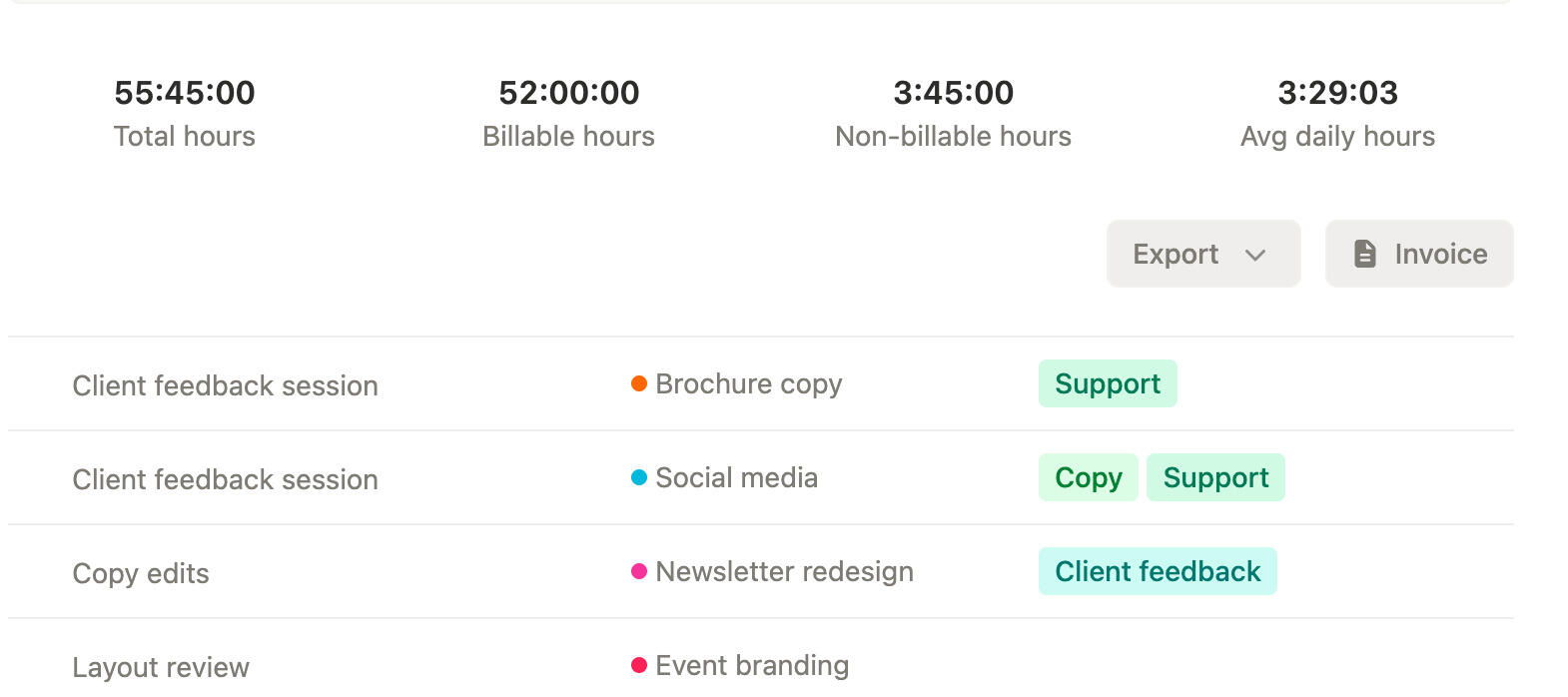
In practice, this often means one system for tracking and review, plus a tightly connected invoice step rather than a chain of exports. A team member logs time during the week, a lead reviews the week while context is still fresh, approved entries move to the invoice stage, and billed status is updated immediately after use. Every extra handoff beyond that basic flow creates another opportunity for confusion, especially when teams skip a shared calendar review.
The related invoice-readiness problem shows how the same workflow gap appears before the invoice is drafted. The two problems are usually the same problem at different stages.
A strong one-pass workflow also defines what happens to exceptions. If a client disputes a line, if some work should be held for the next billing cycle, or if a capped project requires only part of the hours to be invoiced, the system should preserve that decision without forcing the team back into manual notes. That is how a team avoids rebuilding not only the normal invoice, but the awkward edge cases around it too.
FAQ
- Why do teams rebuild work when creating invoices from tracked hours?
- Teams rebuild work when tracked time lacks enough billing context or has not been reviewed before invoicing. The invoice becomes the first place where anyone tries to make the hours clear.
- What should be decided before tracking time for invoices?
- Before tracking starts, teams should know the client, project, billable rule, rate logic, and who reviews hours before they reach the invoice.
- What is the simplest way to make tracked time invoice-ready?
- Keep billing context inside the tracker, review the week before invoicing, and move only approved hours into the invoice stage. That avoids a second round of interpretation.
How to design a one-pass workflow
Teams stop rebuilding work at invoice time when they design billing context and review into the tracking workflow itself. That is what turns time entries into invoice-ready records instead of raw material for a second round of admin.
The best process is the one where invoices are assembled from already-approved work rather than decoded from raw time data. Once a team reaches that point, billing gets faster and disputes get easier to avoid.
In other words, the team should only have to understand the work once. Every extra interpretation step between tracking and invoicing adds cost, delay, and a higher chance of a client-facing mistake. The shorter that path is, the easier it is to trust both the invoice and the workflow behind it.
If you want that handoff to stay short, Timen is a strong fit because it keeps review and invoicing close to the tracked hours. The real fix, though, is making invoice readiness part of tracking from day one, especially for finance teams managing the final billing step.